

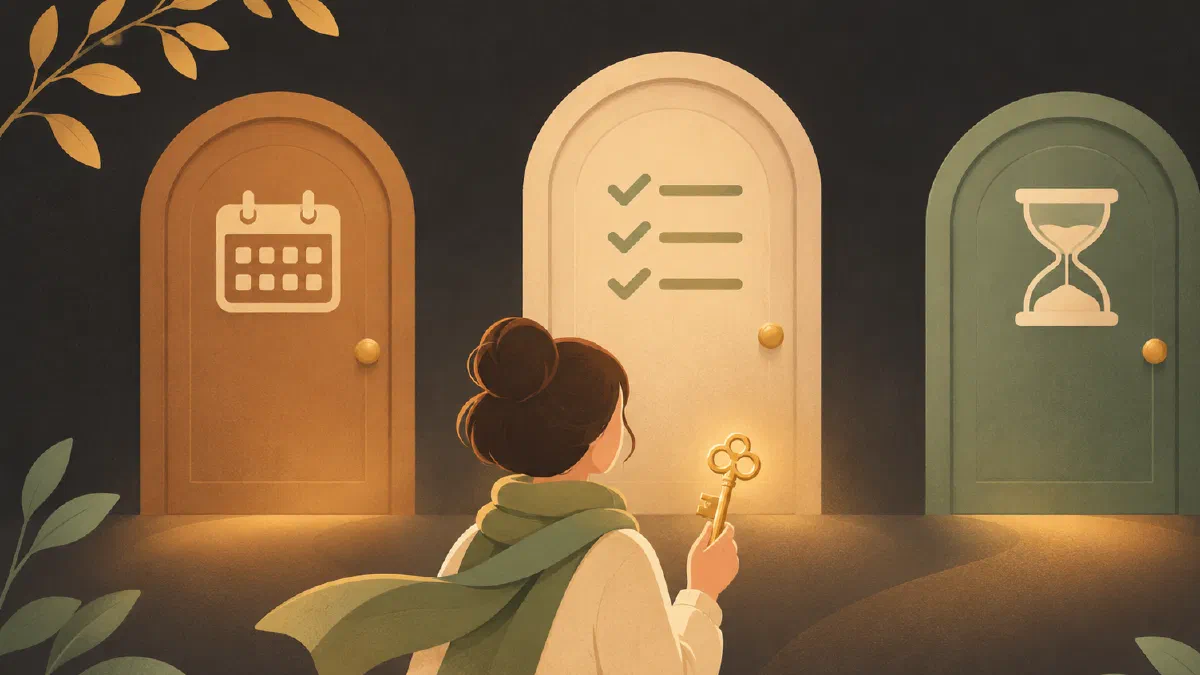
Most “best ADHD planner app” lists are a parade of brand names. This guide takes a different route: it explains which planning jobs an app actually needs to do, gives you eight criteria and a scorecard to compare any apps you are considering, and ends with a seven-day test so the next app does not join the pile of abandoned downloads.
Why planning is hard with ADHD, and what an app can take over
Planning problems are part of how ADHD is described, not a personal failing. The NHS page on ADHD in adults lists being easily distracted or forgetful, finding it hard to organise your time and finding it hard to finish tasks among the inattentive signs. The NIMH overview of ADHD in adults adds poor time management, planning or organisation, trouble remembering daily tasks, and disorganisation and procrastination.
Two research findings help explain what a planning app should do:
- Remembering to act later. In a 2019 study in ADHD Attention Deficit and Hyperactivity Disorders, 29 adults with ADHD carried out fewer of their own real-life intentions than 24 adults without ADHD, and these everyday memory lapses partly explained the link between ADHD symptoms and procrastination. That is the job of reminders and a trusted task list: holding intentions so your memory does not have to.
- Sensing time. A 2023 review of time perception in adult ADHD found that some studies show difficulties with estimating time and managing it, while others do not, and that the research on adults is still thin. “Time blindness” is a popular term for this experience, not a diagnostic criterion (see our guide to what time blindness is and how to manage it). Calendars and timers make time visible instead of relying on a felt sense of it.
So a planning app is useful when it moves a specific load out of your head: remembering, estimating or starting. It is much less useful when it simply gives you a more beautiful place to write lists you never look at again.
What the evidence says about ADHD apps
The honest answer is: not much about specific apps, and more about the approach behind them.
- A 2020 systematic review in the International Journal of Medical Informatics found 355 ADHD apps in the Apple App Store, Google Play and the NHS Health Apps Library and included 109. Very few reported how they were developed, and none reported evidence that they work.
- A 2025 systematic review in Frontiers in Public Health reviewed 14 studies and concluded that apps may be useful additions to ADHD treatment, not replacements for it. In two randomised trials in adults that it covered, symptoms also fell in the comparison groups, not only with the app.
What is better supported is the skill set planning apps can carry. A review of cognitive behavioural therapy (CBT) for adult ADHD suggests that targeted teaching and practice of specific compensatory strategies may be a key active ingredient. One such programme, developed at Massachusetts General Hospital, starts with organising and planning; describing it for CHADD’s Attention magazine, psychologist Mark Katz calls the calendar and task list cornerstones of staying organised, and its next module uses timers and cues against distractibility. In a randomised trial in JAMA, 86 adults whose symptoms persisted despite medication improved more with 12 sessions of this CBT than with relaxation training plus education.
The apps did not do that work; therapy did, with the tools as part of a whole programme. Still, it gives a sensible blueprint: a calendar, one task list, and a cue that brings you back.
The three kinds of planning app
| App type | The job it does | Most helpful if you… | Main trade-off | Free starting point |
|---|---|---|---|---|
| Calendar | Holds anything tied to a date or time and reminds you before it | miss appointments, deadlines or forget when things are | Only covers time-bound items; a crowded calendar becomes wallpaper | The calendar on your phone or work account |
| Task manager / to-do app | Keeps every task in one trusted place and helps you pick the next one | forget tasks, juggle projects or freeze in front of a long list | Easy to over-organise, then abandon | Your phone’s built-in reminders or notes app |
| Timer / focus app | Turns a planned task into a session with a clear start and end | plan well but do not start, drift off task or lose track of time | Does not decide what to work on | A countdown timer, or our free Cyklio Focus Timer |
Some apps combine two of these, for example a task list with a built-in timer, or a calendar you can drag tasks into. That can reduce switching, but it is not automatically better: a combined app is only good if each half is good enough for you. If you want help making the calendar part reliable, our ADHD calendar system guide goes step by step; if you are still deciding between paper and screens, see paper vs digital planners for ADHD.
Eight criteria that matter more than features
Use these when you compare any planning app:
- Capture in seconds. Adding a task or event should take one tap or one sentence. If capture is slow, tasks stay in your head.
- One place for each job. Two task lists means you never trust either. Pick one calendar and one list.
- Reminders you control. You should be able to choose when, how often and how loudly you are reminded, and silence everything else. In a 2015 experiment in the Journal of Experimental Psychology, simply receiving phone notifications disrupted performance on an attention task, even when people did not respond. Fewer, well-timed alerts beat many.
- Visible time. Look for a day view that shows how much time is actually left, and estimates or durations on tasks.
- Small next steps. Can you break a task into steps and see only the next one? A long list of vague tasks is where planning stalls.
- Forgiving when you miss a day. Overdue piles, red badges and broken streaks can make you avoid the app. A good app lets you reschedule or clear a backlog in one move.
- Low setup and low maintenance. If it needs an afternoon of configuring and a weekly hour of tidying, it is likely to be abandoned.
- Practical fit. Works on the devices you carry, offline if you need it, with privacy terms you have read and a free tier or trial long enough to test properly.
People with ADHD build very different systems. In a qualitative study in PLoS ONE, 32 adults with ADHD described their strategies: some relied on reminder apps on their phones, others on structured checklists or tightly planned weeks. Weight the criteria by what you struggle with most, not by what works for someone else.
A scorecard you can fill in
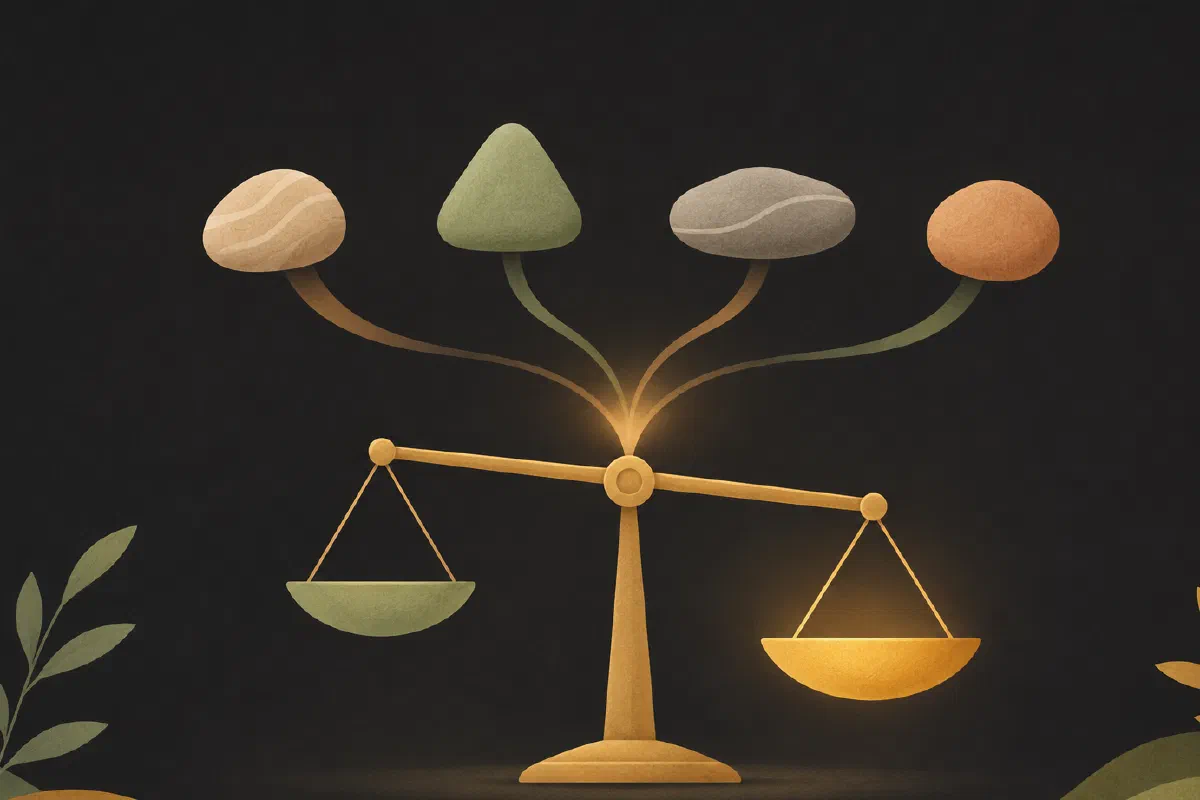
Copy this table, list two or three apps you are considering, and score each criterion from 0 (poor) to 2 (good). Double the score for the one or two criteria that match your main problem.
| Criterion | Weight (1 or 2) | App A | App B | App C |
|---|---|---|---|---|
| Capture in seconds | ||||
| One place for each job | ||||
| Reminders you control | ||||
| Visible time | ||||
| Small next steps | ||||
| Forgiving when you miss a day | ||||
| Low setup and maintenance | ||||
| Practical fit (devices, offline, privacy, trial) | ||||
| Weighted total |
A quick rule for ties: choose the app with the better capture score. The most elegant planning app is useless if tasks never get into it.
An illustrative example: one working adult’s setup
This is a made-up example to show how the pieces fit, not a user story.
Sam is a project coordinator who forgets small requests from meetings and loses afternoons to email. Sam’s scorecard puts double weight on capture and reminders. The result:
- Calendar: the work calendar Sam already has, with only meetings and hard deadlines in it, each with one reminder 15 minutes before.
- Task list: one simple to-do app on the phone. Requests from meetings are captured as a single line during the meeting and sorted once at the end of the day.
- Timer: each morning Sam picks one task from the list and starts a 25-minute focus session before opening email.
- Weekly reset: ten minutes on Friday to clear overdue items and move or delete anything older than two weeks.
Sam did not need an all-in-one planner, only three tools that each do one job and talk to each other through a short daily routine.
How to test a planning app in seven days
- Day 1: Install one app for your biggest problem only. Turn off every notification except the reminders you choose.
- Day 1: Add only today’s and tomorrow’s tasks or events. Do not import your whole life yet.
- Days 2–6: Capture everything new in the app the moment it comes up. Each evening, note one thing that felt easy and one that felt like friction.
- Day 4: Miss a day on purpose if you did not already, and see how the app treats you when you come back.
- Day 7: Ask three questions: Did I open it without forcing myself? Did I trust it enough to stop holding things in my head? Did it make starting easier or just make planning look nicer?
Two “yes” answers mean keep it and add the next tool. Fewer means change one setting or try the runner-up from your scorecard.
Common mistakes
- Choosing by feature count. More views, tags and integrations usually mean more upkeep.
- Running several task apps at once. Split lists break trust in all of them.
- Planning without a starting cue. A perfect plan still needs a moment when work begins; this is where a timer earns its place.
- Moving everything in on day one. Start small, then grow the system once it sticks.
For broader app categories, see our guides to the best productivity apps, time management apps and apps that help you stop procrastinating.
Summary and next step
No planning app has strong evidence of treating ADHD, but the approach behind them, a calendar, one task list and a cue to start, appears in skills-based therapy for adults. Pick one app per job, judge apps by capture, reminders, visible time and how they handle a missed day, and test before you commit.
Your next step: fill in the scorecard for two apps today, then pick one planned task and give it a single focus session. If you want a timer for that step, Cyklio is our own app (made by Mindly 360): focus sessions from 10 to 60 minutes, a daily goal with a progress ring and simple daily, weekly and monthly reports. It is on Android now, with iPhone coming, and has a 7-day free trial with full access and no account or card needed. See how Cyklio works or try the free Cyklio Focus Timer in your browser.