


A deep work zone is not a special room. It is a spot you set up once, a few device rules you follow every time, and a short routine that tells your brain the next hour is for one demanding task. This guide gives you all three, plus a version for open offices where you cannot close a door.
If you want the idea itself first (what counts as deep work and the rules behind it), read what deep work is and how it works. This article is only about the setup.
What a deep work zone has to do
A good zone removes the small decisions and pulls that break a long session: “Where is that document?”, “Is that my phone?”, “Should I answer this message?”. It has four parts:
- A physical spot that is comfortable enough to sit in for 45 to 90 minutes and holds only what the current task needs.
- Device rules that keep notifications, email and chat out of the session.
- A pre-session ritual that takes you from “about to start” to “working” in a few minutes.
- A signal to other people that you are busy and when you will be available again.
You do not need all four on day one. Start with the device rules, because they cost nothing and act on the most common interruptions.
The environment checklist
Set this up once, then check it quickly before each session. The comfort items come from UK workplace health guidance; the rest is common practice for focused work.
Desk and surface
- Only the current task’s materials are on the desk: one notebook, the documents for this task, a pen, water.
- Everything else goes in a drawer, a box or a basket out of your line of sight.
- If you have ADHD, sorting the room into areas by function helps: CHADD suggests organising the sections of a room by function, such as a computer area and a paperwork area, and keeping a basket for things that are out of place.
Screen, chair and light
- Screen directly in front of you, about an arm’s length away, with the top at roughly eye level.
- Chair height set so your thighs are supported and your lower back is supported, using a cushion if needed (same HSE page).
- Light that is neither too bright nor too dim, with no glare or reflections on the screen. Adjust blinds, move the screen or add a desk lamp; the HSE checklist suggests holding a mirror in front of the screen to find where a reflection comes from.
- Enough room to move, stretch and fidget. A cramped corner makes long sessions harder.
At home specifically
- Use the same spot for deep work each time, even if it is just one end of the kitchen table.
- Face away from household tasks you can see (laundry, dishes, a TV) when you can.
Sound matters too, but choosing between silence, earplugs, white noise or music is its own topic: see the best noise for focus.
Notification and device rules
These rules do most of the work. Write them down once and follow them for every session.
- Phone out of sight, ideally in another room. In a 2017 study with nearly 800 smartphone users, people whose phone was in another room did better on tests of available cognitive capacity than people whose phone was on the desk, even when the phone was silent or switched off. A pre-registered replication in 2022 did not find this effect, so the evidence is mixed. Moving the phone still costs you nothing and removes the temptation to check it.
- Notifications off, not just ignored. In a lab study, students who received a call or text during an attention task made more mistakes even though they did not look at or answer their phones.
- Use Do Not Disturb with a short allow-list. On Android you can allow calls from chosen people, let a repeat call from the same person through within 15 minutes, keep alarms, and schedule it. That way family or childcare can still reach you in an emergency.
- Close email and chat during the session. Check them at set times instead, for example after each session. One experiment, by Kushlev and Dunn, reported that checking email less frequently reduces stress.
- One window for the task. Close tabs you do not need for this task. If you will need something later, write it on a “later” note instead of opening it.
- Block the time in your calendar. In Google Calendar, a focus time event can mute Chat notifications and decline meetings automatically (on eligible work and school accounts). In Microsoft Teams, the Do not disturb status is for when you want to focus and do not want to receive notifications.
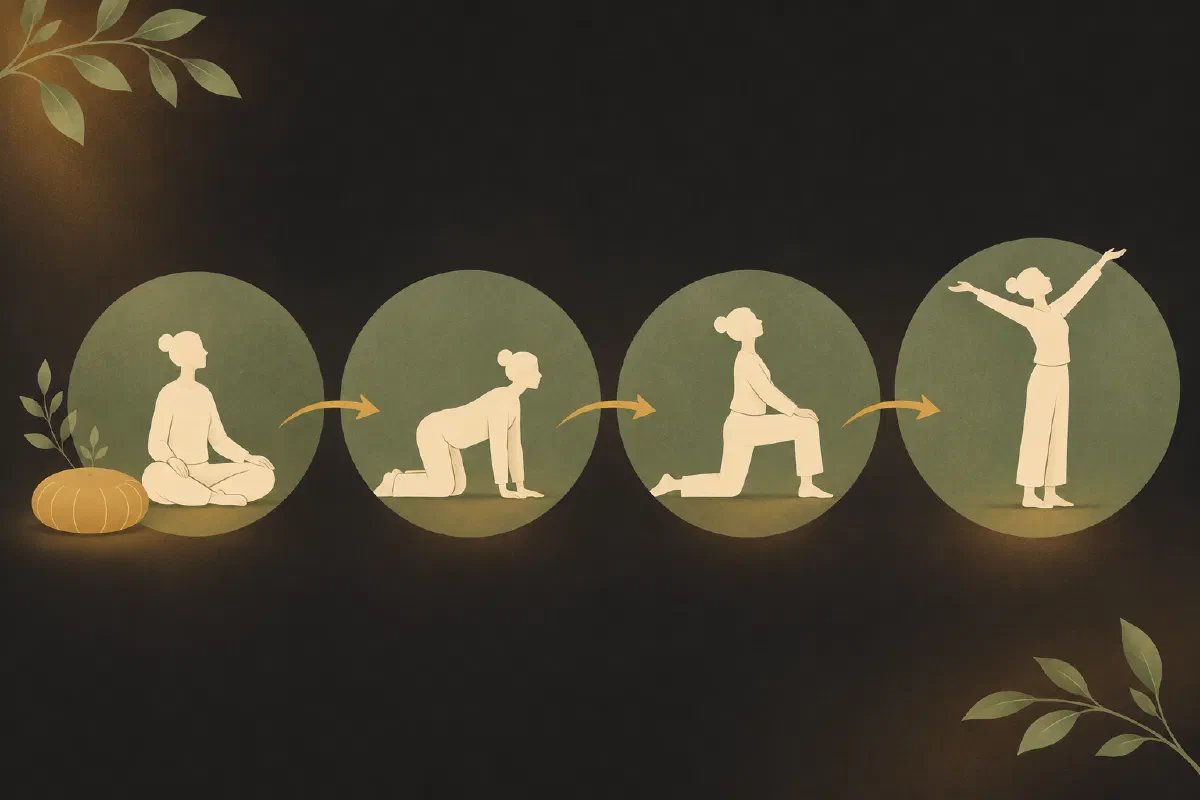
A five-minute pre-session ritual
Doing the same short sequence every time means you do not have to decide how to start. Here is a plan for one session:
- Clear (1 minute). Put everything not needed for this task out of sight. Fill your water glass.
- Silence (1 minute). Phone into another room or a drawer, Do Not Disturb on, email and chat closed, calendar status set to busy.
- Write the plan (1 minute). One sentence: “From 9:00 to 9:50 at my desk I will draft section 2 of the report.” Plans that state when, where and how you will act are called implementation intentions; a meta-analysis of 94 tests found they had a medium-to-large effect on reaching goals and helped protect goal pursuit from distractions.
- Pick the first small step (1 minute). For example, “reread my notes for section 2”. A concrete first step makes the start easier than “work on the report”.
- Start the timer (1 minute). Choose a length you can actually finish, for example 25 to 50 minutes. You can use the Cyklio Focus Timer in your browser.
If you get interrupted anyway, take about a minute to write down where you left off, what is still difficult and what you have postponed. Research by Leroy and Glomb found that this ready-to-resume plan reduced the leftover thinking about the unfinished task and improved performance on the interrupting task.
Between sessions, get up and move. UK guidance for screen work says short, frequent breaks are better than longer, less frequent ones, for example 5 to 10 minutes every hour rather than 20 minutes every two hours.
The shared-space version for open offices
In an open office you control less of the room, so the signals to other people matter more. Much interaction also moves to screens: in two field studies of companies that moved to open-plan offices, face-to-face interaction fell by roughly 70% while email and instant messages increased.
| Zone element | Home version | Open-office version |
|---|---|---|
| Spot | Same desk or table end every time | Same desk, a quiet corner, or a bookable room for your longest session |
| Desk | Clear to one task | Clear to one task; personal items in a drawer or bag |
| Phone | In another room | In your bag or a locker, Do Not Disturb on |
| Signal | Tell the household your session end time | Calendar focus block plus Do not disturb status in chat |
| Messages | Closed until the session ends | Closed, with a stated reply window (“I reply at 10:00 and 11:30”) |
| Sound | Whatever works for you | See how to concentrate in a noisy office |
| Urgent contact | Allow-list on your phone | One agreed channel for genuine emergencies, such as a phone call |
Two habits make the shared version work:
- Announce it once, then be consistent. Tell your team: “I block 9:00 to 10:30 for focused work most mornings. If it is urgent, call me.” People adapt faster to a predictable pattern than to an occasional closed door.
- Pick your best hours. Many offices are quietest early in the morning or late in the afternoon. Put your longest session there and leave meetings and collaboration for the busy hours. For planning sessions across the week, see how to build a deep work schedule.
Worked example: one morning, two locations
Here is how this might look for a hypothetical project analyst who works at home on Mondays and in an open office on Tuesdays.
Monday at home. At 8:55 they clear the kitchen table except the laptop, a notebook and water. The phone goes on the hallway shelf with Do Not Disturb on and the school’s number on the allow-list. They write “9:00 to 9:50 at the table: outline the budget memo”, start a 50-minute timer and begin by listing the memo’s three sections. At 9:50 they check email and chat for ten minutes, walk around, then run one more session.
Tuesday at the office. The calendar shows a focus block from 8:30 to 10:00, and their chat status is set to Do not disturb. The phone is in their bag. Halfway through, a colleague stops by with a question. The analyst writes a ready-to-resume note (“stopped at risk table, row 4; still unsure about vendor costs”), answers the question, then reads the note and restarts the timer for the remaining time.
Nothing here needs special equipment. The setup is the same in both places; only the signals change.
Your deep work zone card
Copy this and fill it in. Keep it on the desk or as a note on your computer.
- My zone at home: ____________________
- My zone at work: ____________________
- What stays on the desk: ____________________
- Where the phone goes: ____________________
- Who is on my Do Not Disturb allow-list: ____________________
- My email and chat check times: ____________________
- My status message: “Focusing until ______. For urgent issues: ______.”
- My usual session length: ______ minutes
- First small step I will write before each session: yes / no
Common snags and fixes
- “I keep fetching the phone.” Put it somewhere that takes effort to reach, and give yourself an official check time after the session.
- “The setup ritual becomes procrastination.” Keep it to five minutes. If tidying grows, sweep everything into one box and start.
- “My job needs fast replies.” Use shorter sessions (25 minutes) and check messages between them rather than dropping the zone altogether.
- “Long sessions still feel impossible.” That is normal at first. Read is deep work hard to learn?, and if you have ADHD, see deep work with ADHD for adjustments.
Summary
A deep work zone is a clear desk, a comfortable seat and light, a phone out of sight with notifications off, closed email and chat, and the same short ritual before every session. In a shared office, add a calendar block, a visible status and a fixed reply window.
Next step: fill in the zone card above, then run one session in your new zone tomorrow. If you want to compare setups over a week, Cyklio (our own app, free for 7 days with no account or card) lets you rate each session as full focus, distractions or not today and see the pattern in your weekly report.