


A physical timer is the simplest way to time a focus session without picking up your phone. This guide compares the main types (kitchen, cube, sand and visual disc timers), sets out their pros and cons, and shows how to run a phone-free session with one, so you can decide whether a desk timer is worth it for you.
If you are new to the method itself, start with what the Pomodoro Technique is and how it works, then come back to choose your timer.
Why use a physical timer at all?
The method started with one. Francesco Cirillo, who created the Pomodoro Technique, describes testing his concentration using a tomato-shaped kitchen timer. On the same page, he lists both mechanical and software timers as tools for the method, so a physical timer is one valid option, not a rule.
The practical reason most people look for one today is the phone. If your timer lives on your phone, the phone has to stay on the desk, unlocked from time to time, with every app one tap away. A separate timer lets the phone leave the room.
How much does that matter? The evidence is clearer for some parts than for others.
- Notifications have a clear cost. In a lab study with 166 students, people who received a call or text during an attention task made more errors than those who received nothing, even though they did not look at or answer the phone, as reported in the original paper.
- Alerts plus a phone within reach add up. In a two-week experiment, participants reported more inattention and hyperactivity symptoms during the week with alerts on and the phone within reach than during the week with alerts off and the phone out of reach. The quieter week changed both things at once, so the study cannot say which one mattered more.
- A silent phone merely lying nearby is less certain. One well-known study reported that the mere presence of one’s own smartphone reduced available cognitive capacity, but a preregistered replication found that phone location had no effect on performance. A meta-analysis of 56 studies found a negative effect on working memory only, smaller than originally proposed, and null results for the other cognitive measures.
The practical reading: turning alerts off is well supported, and putting the phone away is a cheap extra step. A physical timer makes that step easy, because you no longer need the phone to know when the session ends.
Timers also appear in workplace support for attention difficulties. The Job Accommodation Network, a US workplace accommodation service, lists timers among assistive technology ideas for people with ADHD and suggests turning off distractions, including cell phones. For timer features that may suit ADHD in particular, see what to look for in a visual timer for ADHD.
The main types of physical timer
Five kinds of desk timer cover almost every option you will find. Each one trades speed, precision and noise differently.
| Type | How you start it | Sound | Precision | Best for |
|---|---|---|---|---|
| Wind-up kitchen timer | Twist the dial to your time | Ticks; bell at the end | Rough, to the nearest minute or so | People who like a physical ritual and do not mind ticking |
| Digital kitchen timer | Press buttons to set minutes | Usually silent while running; beeps at the end | Exact to the second | Exact intervals and pause/resume |
| Cube or flip timer | Turn the face with your chosen time upward | Usually silent; alarm at the end | Exact, but only preset times | Fast starts with standard intervals |
| Sand timer | Turn it over | Silent, no alarm | Fixed; check yours against a clock | Silent rooms and short tasks |
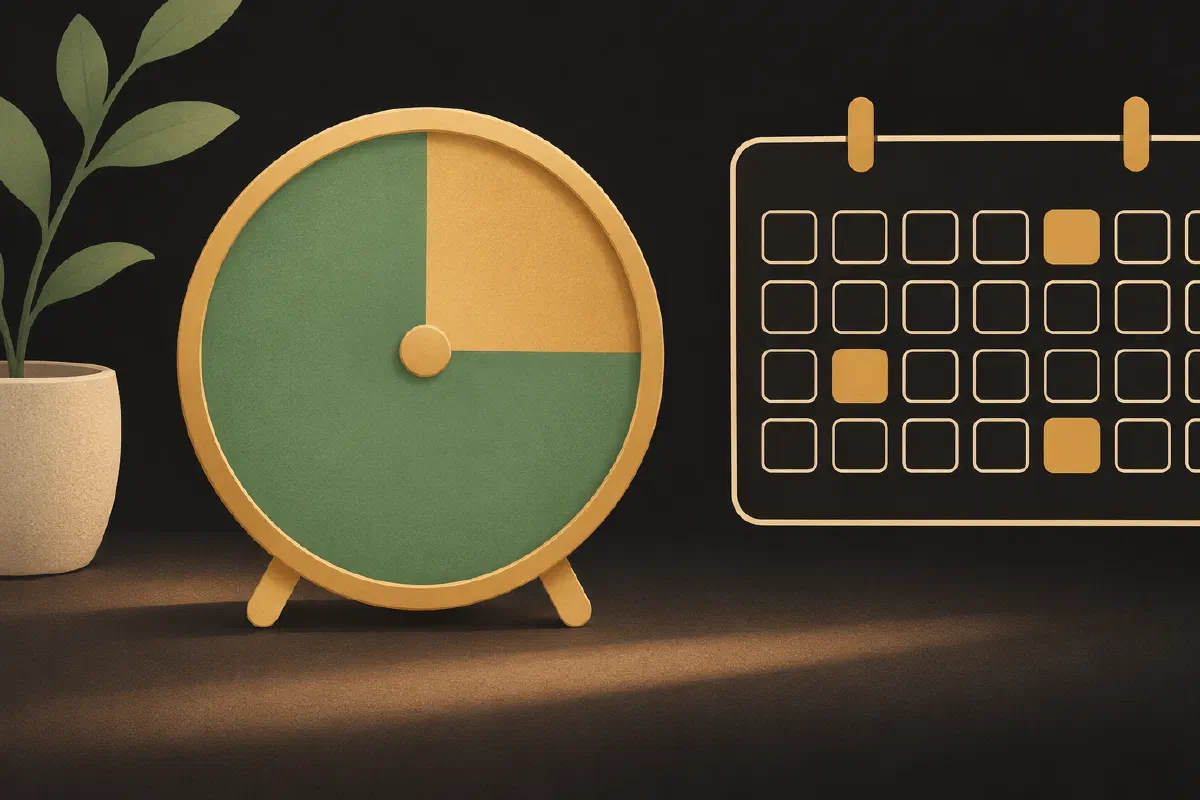
| Visual disc timer | Turn a coloured disc that shrinks as time passes | Varies; often optional alarm | Rough | Seeing time left at a glance |
Wind-up kitchen timer
The classic option. You twist the dial to your session length, and it rings when it reaches zero. Twisting the dial is a clear start signal, and there are no buttons or batteries to think about.
- Pros: cheap, no batteries, quick to start, satisfying start ritual.
- Cons: audible ticking, a loud bell, and only rough accuracy. Some cannot be paused cleanly.
If ticking bothers you or the people around you, test one before buying.
Digital kitchen timer
A small battery-powered timer with buttons for minutes and seconds. Many let you pause and resume, and some remember your last setting.
- Pros: exact times, easy pause, readable display, usually silent while counting down.
- Cons: setting the time can take several button presses, batteries need changing, and beeps can be sharp.
Cube or flip timer
A cube with a preset time printed on each face. On most models, you start a session by turning your chosen face upward and stop it by setting the timer down on the side that means off or pause. It is the fastest way to start a timer: one movement, no buttons.
- Pros: very fast to start, a clear physical signal that “I am in a session now”, usually silent while running.
- Cons: only the preset times on the faces, alarms may not be adjustable, and batteries need changing.
Check the faces before you buy. If you want 25 and 5 minutes, or 50 and 10, make sure those times are on the cube.
Sand timer
A sand timer runs for one fixed time and makes no sound at all. It works best when you sit facing it.
- Pros: fully silent, nothing to set, no batteries, and the falling sand shows time passing in a calm way.
- Cons: no alarm, so you can miss the end, especially when you are absorbed in work. It cannot be paused, and you need one timer per duration. Time yours once against a clock so you know how long it really runs.
Sand timers suit silent rooms, but they need a backup if you tend to lose track of time. For other quiet setups, see how to run focus sessions with a silent timer.
Visual disc timer
These show the remaining time as a coloured area that shrinks as the minutes pass. You can read how much is left from across the room, without working out numbers.
- Pros: time left is visible at a glance, often with a quiet or optional alarm.
- Cons: can take more desk space than other timers, and precision is rough.
What to check before you buy
Use this checklist in the shop or on the product page. Five minutes here saves you from a timer that ends up in a drawer.
- Sound while running: silent, or a tick you can live with?
- End signal: loud enough to notice, quiet enough for your space? Can you change the volume or switch to silent?
- Start speed: can you start a session in one or two movements?
- Your intervals: does it offer the times you actually use (for example 25/5 or 50/10)?
- Pause and reset: can you pause for a real interruption and reset quickly?
- Readability: can you see the time left from your normal working position?
- Power: battery type, or no batteries at all?
- Size: does it fit on your desk without being in the way?
Then do a one-session test before relying on it: run it for one real session and notice whether the ticking, the display or the alarm pulls your attention.
How to run a phone-free session with a physical timer
This plan covers one 25-minute session. Adjust the length to the timer you have.
- Check messages once, on purpose. Reply to anything urgent and tell anyone who may need you when you will be available.
- Silence the phone and move it away. Put it in a drawer, a bag or another room, not face down next to your keyboard. If someone must be able to reach you, allow only their calls through do-not-disturb.
- Write down one task. Put it on a sticky note next to the timer, as concrete as you can: “draft the first two paragraphs of the report”, not “report”.
- Start the timer by hand. Twist, flip or turn it. Treat that movement as the start of the session.
- Park stray thoughts on paper. When you remember something else, write it on a notepad and go back to the task.
- When the timer rings, stop and note where you are. Write one line about where to restart, then mark the session with a tally on the sticky note.
- Take your short break away from the phone if you can. Stand up, refill your water or look out of the window. Check the phone only at planned times, not after every session.
Checking messages at planned times is not only a habit tip. In a field experiment with 237 people, those whose notifications were batched into three set times a day felt more attentive and productive and reported more control over their phones than people with normal alerts. Those who got no notifications at all gained few of these benefits and reported more anxiety and fear of missing out. So a physical timer works best with planned phone check-ins, not a total phone ban.
Worked example: a morning with a cube timer
Here is an illustrative morning for an office worker preparing a monthly report. It is a sketch to copy, not data from a real user.
| Time | What happens | Timer |
|---|---|---|
| 8:55 | Checks email and chat, replies to one urgent message, puts phone in a desk drawer | None |
| 9:00 | Writes “pull last month’s numbers into the table” on a sticky note | Cube flipped to 25 |
| 9:25 | Timer beeps; writes “next: check the March figures”, adds a tally | Cube flipped to 5 |
| 9:30 | Second task: “write the summary paragraph” | Cube flipped to 25 |
| 9:55 | Timer beeps; takes the phone out, checks messages for five minutes | Cube flipped to 5 |
| 10:00 | Phone back in the drawer, third session starts | Cube flipped to 25 |
By 10:25 there are three tallies on the note and the phone came out once, at a planned time. The cube made each start a single movement, which matters most on the days when starting is the hard part.
When a physical timer is not the right choice
A physical timer is not better in every situation. A short decision table:
| Your situation | Better fit |
|---|---|
| Your phone is your main distraction | Physical timer, phone in a drawer |
| You share a quiet office or library | Silent timer: sand, a silent cube, or a vibrating watch |
| You want to see your hours and progress over weeks | A timer that logs sessions, or a physical timer plus a paper log |
| You change rooms or work on the move | A timer you already carry, such as a watch or an app |
| You need exact intervals with frequent pauses | Digital kitchen timer |
If you are still deciding whether timed sessions suit your work at all, read when to use the Pomodoro Technique and when not to. For the reasons people use the method in the first place, see the benefits of the Pomodoro Technique.
Summary
A physical pomodoro timer does one job: it times your session so your phone can stay out of reach. Cube timers are the fastest to start, digital kitchen timers the most precise, sand timers the quietest, wind-up timers the most tactile, and visual disc timers the easiest to read at a glance. The evidence supports turning off alerts and checking messages at planned times; the benefit of a silent phone simply being out of sight is less certain, but putting it away costs nothing. What a physical timer cannot do is keep a record. If you want one, add a paper tally, or try Cyklio, our own app, which records each session, lets you rate it and shows daily, weekly and monthly reports (7-day free trial, no account or card needed).
Your next step: choose the timer you already have, even a kitchen timer, put your phone in a drawer and run one 25-minute session today using the seven steps above. If you have no timer at hand, the free Cyklio Focus Timer runs in your computer’s browser.