

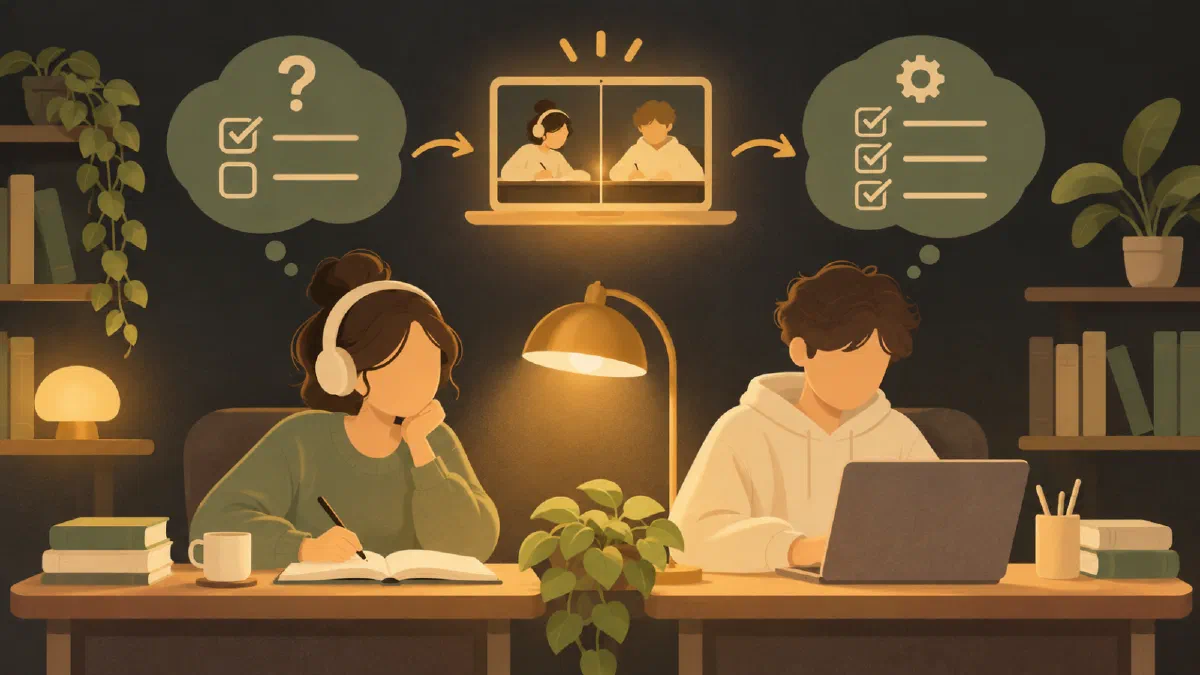
You open your notes after work, read one paragraph and feel the evening slipping away. Then you put on a video of a stranger quietly studying at a desk, a timer counting down in the corner, rain tapping on a window, and somehow you keep going. This guide explains how study with me videos work, what the early research says, the honest pros and cons, how to pick a good one and what to use instead when they stop helping.
What is a study with me video?
A study with me video shows a person studying, working or reading, usually with little or no talking. Researchers who studied the format for the CHI 2021 conference describe them as videos of people studying for hours without conversation or instruction. You do not learn anything from the video itself. You study your own material while the video runs alongside.
Most videos share a few features. A 2025 study in Frontiers in Psychology describes prerecorded study with me videos as edited videos, often with time-management tools such as the Pomodoro Technique and ASMR-style audio, that viewers choose by mood and follow at their own pace. In practice that usually means:
- A visible timer that splits the video into study blocks and breaks.
- Ambient sound: rain, a café, a library, lo-fi music, keyboard tapping or the creator’s own quiet room.
- A long running time: one hour, two hours, three hours or more.
- A calm scene: a desk, a window, a night-time room, a library or a city view.
- A creator who mostly stays silent, sometimes with a short hello at the start and a check-in during breaks.
There are two main formats. Prerecorded videos are available whenever you want them. Live streams run in real time: the creator studies on camera and viewers can type in a chat. The Frontiers paper describes live sessions as people broadcasting themselves studying and interacting through voice and text, often with classroom-like rules such as timed study blocks. When the live session moves into a dedicated room on Discord or Zoom where everyone studies together, it becomes a different setup, which we cover in our guide to virtual study rooms online.
How study with me sessions work
The basic idea is simple: you borrow someone else’s session. The creator has already decided when to start, how long to work and when to rest. You press play, settle into the same rhythm and let the video carry the structure.
A typical session looks like this:
- The video opens with a short scene or greeting and the timer appears.
- The first study block starts, for example 25, 50 or 60 minutes long.
- A break starts when the timer ends, sometimes with a chime, a change of music or the creator stretching.
- The next block begins, and the cycle repeats until the video ends.
Many videos use the classic Pomodoro rhythm. As Duke University’s Academic Resource Center describes it, you work on one task for 25 minutes, take a 5-minute break, and after four rounds take a longer break of 15 to 30 minutes. Others use longer blocks, such as 50 minutes of study and 10 minutes of rest. If you mainly want videos built on 25/5 intervals, we have a separate guide to study with me Pomodoro videos with a session plan for that rhythm.
Some people describe study with me videos as a kind of body doubling: doing a task while someone else is present. A 2024 survey of 220 people on body doubling reports that the other person can be in the same place or remote, live or recorded, someone you know or a stranger. Body doubling is a community term, not a clinical treatment. If you want to know what it is and how to try it with a person, read our explainer on body doubling.
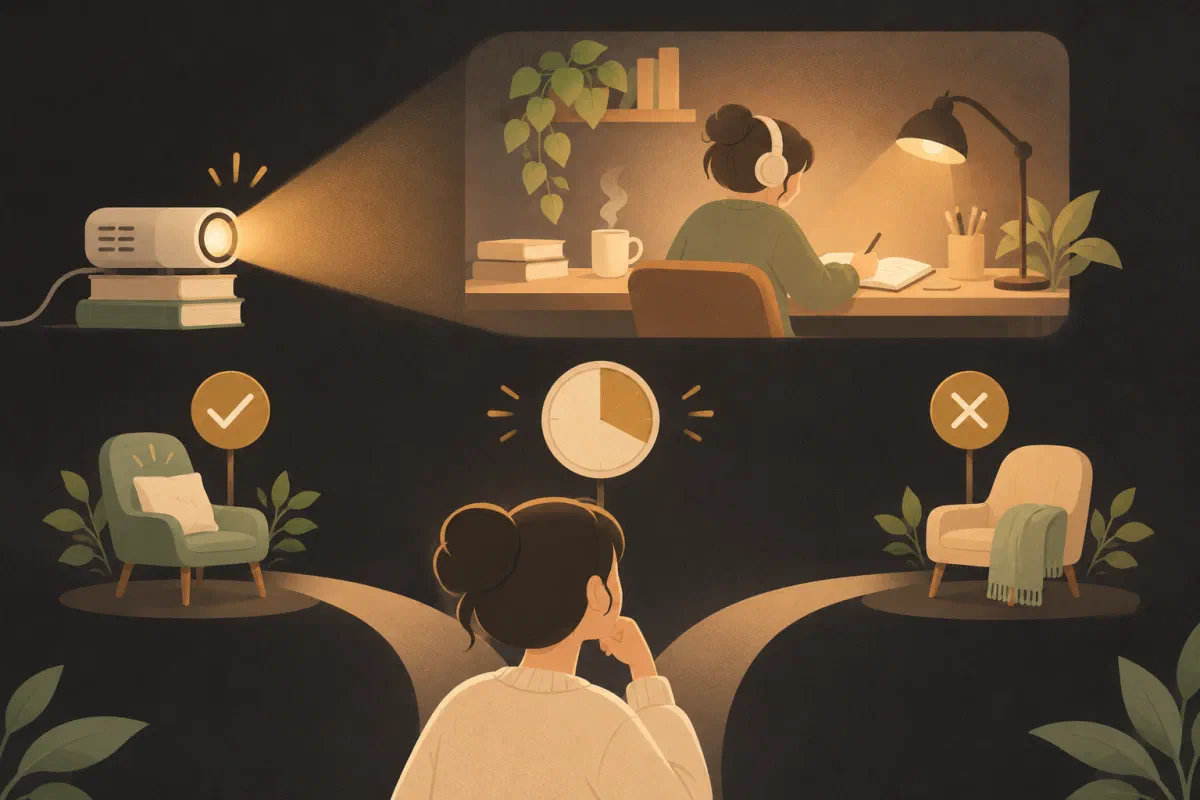
Do study with me videos help you focus? What the research says
The honest answer: research on study with me videos is young, and it mostly describes how and why people use them. It does not yet show that they improve focus or grades for most people.
Here is what the studies we found actually looked at:
| Study | What researchers did | What they found | What it cannot tell you |
|---|---|---|---|
| Lee and colleagues, CHI 2021 | Analysed 30 videos and interviewed 12 viewers | Viewers used the videos to get a personalised ambience at low cost, controllable peer pressure and emotional support while studying alone at home | Whether the videos improve focus or results |
| Wang and Zhang, 2021 (preprint) | Looked at 800 live streams on the Chinese platform Bilibili, examined 20 in depth, interviewed 12 streamers and 10 viewers | Streamers mainly wanted supervision, study partners and company; check-ins and progress reports raised viewers’ sense of presence | How live streams compare with studying alone |
| Kim and Ryoo, IEEE Access 2023 | Surveyed 384 study with me learners | Most were goal-oriented; goal-oriented learners studied the longest; learning competency and digital literacy differed between motivation groups | Cause and effect |
| Hou and colleagues, Frontiers in Psychology 2025 | Cross-sectional survey of 509 Chinese college students who had used study with me on Bilibili for at least three months | Feeling supported by peers went together with more motivation, self-efficacy and engagement and less test anxiety | Whether the videos caused those differences; the authors call for longitudinal or experimental studies |
Three things stand out.
People use the videos for atmosphere, not instruction. The CHI 2021 interviews suggest that a well-suited ambience matters for a satisfying study session, and that creating that ambience yourself is hard or costly. A video is a cheap way to turn a kitchen table into a library or a café.
The “someone is there” feeling matters to many viewers. The CHI authors call it controllable peer pressure: you feel a little accountable to the person on screen, but you can switch it off any time. Why this kind of presence might help is a separate research question. We keep the evidence on social presence and body doubling in our article on body doubling research.
The evidence is about who already likes the videos. Most participants were regular viewers who had chosen this way of studying. Surveys of enthusiasts cannot show what happens when a random person tries it. We also did not find any study of study with me videos in adults with ADHD, so any claim that they are “great for ADHD” goes beyond the evidence.
So the practical question is not “do they work?” but “do they work for you, on this task, today?” The rest of this guide helps you answer that.
Pros and cons of study with me videos
| Pros | Cons |
|---|---|
| Ready-made structure: the timer and breaks are already decided | You follow someone else’s rhythm, which may not fit your task |
| Available any time, free, no scheduling | Ads can interrupt a session |
| Ambience you can choose: rain, café, library, silence | Sounds with speech or lyrics can compete with reading |
| A sense of company without talking to anyone | Autoplay and recommendations make it easy to drift |
| Low commitment: no sign-up, no one notices if you stop | Low commitment also means low accountability |
| Can make a lonely evening of study feel less isolated | Choosing the perfect video can become its own procrastination |
A few of these cons deserve a closer look.
Ads in the middle of a session
On YouTube, creators can turn on mid-roll ads in monetised videos that are 8 minutes or longer, and YouTube’s systems decide whether an ad actually runs in each slot. A two-hour study video can therefore be interrupted. Whether a particular video shows ads depends on the creator’s settings and YouTube’s systems, so you only find out by watching. If ads repeatedly break your concentration, a plain timer is the simpler choice; our guide to focus timer YouTube videos compares the alternatives in more detail.
Autoplay and recommendations
When YouTube autoplay is on, a related video starts automatically after the current one ends. That is fine in the middle of a long video, but when your session ends, the next video is already waiting. You can turn autoplay off with the switch in the player, or on a phone or tablet in Settings. YouTube notes the setting is per device, so switching it off on your laptop does not switch it off on your phone.
Sound that competes with your work
Background sound is part of the appeal, but not every sound suits every task. A meta-analysis of 65 studies on background sound and reading found that intelligible speech and music with lyrics caused the biggest distraction, and that noise also had a small reliable effect. That research was about reading, not about study with me videos specifically. Still, if you are reading or writing, a video where the creator chats or plays songs with lyrics is probably a poorer fit than one with rain or quiet room sound. For a deeper look at noise types and how to test them, see our guide to the best noise for focus.
Who study with me videos tend to suit
There is no test that predicts this, but the patterns described in the research and the pros and cons above give useful clues. Use this table as a starting point, then check it against your own experience.
| Your situation | Study with me video | Live study room | Plain timer | Study partner in person |
|---|---|---|---|---|
| You study alone at home and it feels lonely | Good fit | Good fit | Weak fit | Good fit if available |
| You need a fixed start time to begin at all | Weak fit (no one waits for you) | Good fit | Weak fit | Good fit |
| You get pulled into browsing easily | Risky | Better (fewer recommendations) | Good fit | Good fit |
| You read or write and need quiet | Fine with silent or rain videos | Fine with cameras on, mics off | Good fit | Depends on the place |
| You want to set your own block lengths | Weak fit (fixed timer) | Depends on the room | Good fit | Flexible |
| You study on the go or at odd hours | Good fit | Depends on time zones | Good fit | Hard |
| You feel tense when watched | Usually fine (no one sees you) | Can feel exposed | Good fit | Can feel exposed |
If several rows point to “plain timer”, try that first. If you keep landing on “live study room” because you need someone waiting for you, a scheduled session may help more than any recording.
How to pick a good study with me video
The video that looks the prettiest in the thumbnail is not always the one that helps. Choose by function first and aesthetics second.
A five-point checklist
Copy this list and tick it off before you commit to a video for regular use:
- Timer structure: the study and break lengths suit your task (for example 25/5 for small tasks, 50/10 for reading).
- Total length: the video covers the whole session you planned, so you do not have to pick a second one halfway.
- Sound: no speech or lyrics if you read or write; volume steady, no sudden alarms you find jarring.
- Interruptions: no ads interrupted your test run, or you accept the risk.
- Calm screen: the scene does not move so much that your eyes keep wandering to it.
Narrow it down once, then reuse
Spending twenty minutes browsing before every session defeats the point. Instead:
- Set aside one short session to test three or four videos.
- Keep the two that tick most boxes on the checklist.
- Save them in a playlist or bookmark folder named for the task (“reading”, “writing”, “revision”).
- From then on, open the saved video directly instead of searching.
Search terms that help
Common search phrases mirror these features: “study with me 2 hours”, “study with me no ads”, “study with me rain”, “study with me library”, “study with me at night” or “study with me no breaks”. Use them to filter for structure and sound. Popular creators and channels change often, so we do not recommend specific ones here.
A plan for one study with me session
Here is a simple plan for a single session of about two hours. Adjust the times to the video you picked.
- Decide the task before you open the video. Write one line: “Read chapter 4 and make notes on sections 4.1 to 4.3.” Deciding in advance matters because if-then plans, called implementation intentions, had a medium-to-large effect on reaching goals in a meta-analysis of 94 tests. That research covered goal pursuit in general, not study with me videos, so treat it as a general habit worth borrowing. For example: “If the timer starts, then I open chapter 4.”
- Prepare everything first. Books, notes, water, charger. Put your phone out of reach or face down unless it is playing the video.
- Open the saved video directly, switch autoplay off and set a comfortable volume.
- Start with the creator’s first block. If you join a video halfway, wait for the next block to begin rather than starting mid-countdown.
- During study blocks, only the task. If a thought pops up (“check email”), jot it on a scrap of paper and return.
- Use breaks for real breaks. Stand up, stretch, drink water, look out of a window. A 2022 meta-analysis found that short breaks of up to ten minutes gave small boosts to vigour and reduced fatigue, though the effect on performance was not significant overall. Try not to spend the break on your phone or in the comments.
- Stop when the video ends. Close the tab before the next video loads. Note in one line what you got done and whether the video helped, distracted you or made no difference.
If you prefer to time sessions yourself without a video, the free Cyklio Focus Timer gives you a quiet countdown with breaks and no recommendations.
Worked example: an evening study session after work
Illustrative example, not a real user. Ana works as a project coordinator and is preparing for a professional certification. Her plan is two study evenings a week, 7:30 to 9:30 pm.
Week 1, without a plan. Ana sits down at 7:30, searches for a study with me video and scrolls through thumbnails. She tries a café video, finds the chatter distracting, switches to a lo-fi one with lyrics, then gets an ad halfway through the first block. At 8:15 she has read four pages. When the video ends, autoplay starts another one and she ends up watching a different creator’s desk setup tour.
Week 2, with the checklist and session plan.
- On Sunday she spends 25 minutes testing four videos and saves two: a two-hour rain video with 50/10 blocks that ran without ads during her test, and a silent library video for revision days.
- On Tuesday at 7:25 she writes her task on a sticky note: “Module 3 practice questions 1 to 20, mark wrong answers.”
- She opens the saved rain video, switches autoplay off and puts her phone in the next room.
- She works two 50-minute blocks with a 10-minute break between them, during which she makes tea and stretches.
- At 9:30 she closes the tab, ticks the sticky note and writes one line: “Rain video good, 18 of 20 done.”
Week 4, a change. The videos still help on reading nights, but on evenings when Ana is very tired, nothing on screen makes her start. She joins a scheduled live study room with a colleague on Thursdays instead, because knowing someone is waiting at 7:30 gets her to the desk. She keeps the rain video for Tuesdays.
The point is not the video. It is the decisions around it: what to study, which video, when to stop and what to do when the format stops working.
Alternatives to study with me videos
If videos do not suit you, or they used to and no longer do, you can keep the useful parts and drop the rest.
- A live study room. Real people, a set start time and often cameras on with mics off. You lose some flexibility but gain a reason to show up. Our guide to virtual study rooms online covers Discord, Zoom and live-stream rooms and how to run a session with timers.
- Studying with a person. A friend, colleague or classmate at the same table or on a video call, each working on your own task. See our guide to body doubling for how to set this up.
- A study group. Useful when you want to discuss material, quiz each other or explain concepts aloud. It is a different activity from silent co-studying, so plan separate quiet time for your own work.
- A plain timer plus your own sound. You choose block lengths that fit the task and play only the sound you want, with no ads or recommendations. This suits people who mainly liked the timer.
- A library or café. The original version of the ambience these videos imitate, with real people around you.
| You liked this about the video | Keep it with |
|---|---|
| The timer and breaks | A plain focus timer |
| The rain or library sound | An ambient sound track without video |
| The feeling of someone being there | A live study room or a study partner |
| Being able to study at any hour | Saved videos or a timer, used with a fixed task |
| The sense of a ritual | The same start routine every session: task note, water, timer |
Common mistakes and quick fixes
- Searching for a new video every time. Fix: save two or three tested videos and reuse them.
- Starting the video before choosing the task. Fix: write the task on paper first, then press play.
- Watching the creator instead of studying. Fix: shrink the window, move it to a second screen or pick a video with a calmer scene.
- Letting autoplay decide when you stop. Fix: turn autoplay off and close the tab when the timer ends.
- Spending breaks in the comments. Fix: stand up and leave the screen for the break.
- Assuming the video should work every day. Fix: treat it as one tool. On some days a live room, a person or silence may work better.
Summary
Study with me videos give you a ready-made session: a timer, a soundtrack and the quiet company of someone else studying. Early research, mostly interviews and surveys, suggests people value them for ambience, gentle accountability and emotional support, but there is no evidence yet that they improve focus for everyone, and none on adults with ADHD specifically. Their main risks sit around the video: ads, autoplay, recommendations and endless browsing. Pick videos by structure and sound, decide your task first, stop when the session ends and switch formats when they stop helping.
Your next step: choose one task for your next study session, write it down and run it with one saved video or a plain timer. Afterwards, note in one line whether it helped. If you want to track sessions over time, Cyklio, our own focus timer app, lets you rate each session as full focus, distractions or not today and shows daily, weekly and monthly reports. Learn more on the Cyklio app page.