


Time blocking and task batching often appear in the same productivity advice, sometimes as if they were one method. They are not. One decides when you work, the other decides what you group together. This guide defines both, compares them in a table, shows when each one fits and walks through a day that uses both.
The short difference
- Time blocking answers “when?” You split your day into slots on a calendar or paper plan and give each slot one job: a project, a meeting, a break or a buffer.
- Task batching answers “what goes together?” You collect similar small tasks, such as replies, calls, invoices or errands, and do them in one sitting instead of letting each one interrupt you when it appears.
You can block without batching (every slot holds a single big task) and batch without blocking (“I’ll do all my emails after lunch, whenever that ends”). The two only become a system when you combine them.
What is time blocking?
Time blocking means planning your day ahead as a sequence of reserved slots. Writer and computer scientist Cal Newport describes dividing his workday into blocks labelled with specific assignments, building the plan in 10 to 20 minutes the evening before and leaving room to correct it when the day goes differently.
The strength of time blocking is that it forces a reality check. A to-do list can hold 20 tasks; a calendar can only hold the hours you actually have. When the blocks run out, you see it before the day starts, not at 17:00.
This article only compares the two methods. For the full how-to, including block lengths and common mistakes, see our beginner’s guide to time blocking.
What is task batching?
Task batching means grouping tasks that need the same kind of attention, tools or setting, and doing them back to back. Typical batches are:
- Communication: email, chat replies, voicemail, short calls.
- Admin: expenses, invoices, timesheets, booking appointments.
- Errands: post office, pharmacy, shopping, all in one trip.
- Small edits: proofreading, approving documents, updating a tracker.
The reason batching helps is task switching. In lab experiments, switching between tasks cost people extra time, and the cost grew with the complexity of the rules involved. A review of task-switching research found that responses are slower and usually more error-prone right after a switch, and that preparing for the switch reduces this cost but does not remove it.
There is also a carry-over effect. In studies by organisational researcher Sophie Leroy, people found it hard to move their attention away from an unfinished task, and their performance on the next task suffered; she called the leftover thinking “attention residue”. These are mostly lab tasks, so the exact size of the cost in a real job is unknown, but the direction is consistent: fewer switches leave more attention for the work itself.
Time blocking vs task batching: comparison table
| Time blocking | Task batching | |
|---|---|---|
| Main question | When does this work happen? | Which tasks belong together? |
| Unit | A slot of time (for example 9:00–10:30) | A group of similar tasks |
| Best for | Big projects, deep work, days crowded with meetings | Many small, similar, low-effort tasks |
| Main benefit | Protects time; shows what fits in a day | Fewer switches; less setup each time |
| Main risk | Plan breaks when the day changes; blocks overrun | Batch grows endlessly; urgent items wait too long |
| Planning effort | Higher: a plan every day or evening | Lower: decide categories once, reuse them |
| Works on its own? | Yes, but small tasks leak into every block | Partly; without a time slot, batches drift |
| Typical tool | Calendar, paper planner | A list per category, one inbox, an errand list |
When time blocking works better
Choose time blocking first if:
- Your day disappears into meetings and requests before you touch your main work.
- You have one or two large tasks (a report, a design, a study chapter) that need long, uninterrupted stretches.
- You routinely plan more than fits, and you need to see the limit.
- Other people book your time, and an empty calendar looks like availability.
When task batching works better
Choose batching first if:
- Your work is mostly small tasks, such as customer replies, scheduling or admin.
- You keep “just quickly” checking email or chat in the middle of focused work.
- Your schedule is unpredictable (shift work, caregiving, on-call), so fixed slots break easily, but you can still group tasks when a window opens.
- Setup costs are high: logging into a system, finding paperwork, driving somewhere.
Email is the best-studied example. In one experiment, people felt less stressed when they checked their email less often than when they checked it whenever they liked. The picture is not entirely simple: a study that followed 40 information workers for 12 workdays found that batching email was linked to higher rated productivity for people who spent a lot of time on email, but found no evidence that batching lowered stress. Batching is a reasonable bet, not a guarantee.
A decision table for your situation
| Your situation | Start with | Add later |
|---|---|---|
| “I never get to my important project.” | Time blocking (one protected focus block a day) | A communication batch after the block |
| “My day is 40 small things.” | Task batching (three or four category batches) | Blocks to fix when each batch happens |
| “My calendar is full of meetings.” | Time blocking (claim focus time first) | Batch meeting follow-ups into one slot |
| “I keep checking email mid-task.” | Task batching (set email times) | A block around each email time |
| “My schedule changes daily.” | Task batching (portable groups) | Short, flexible blocks once you know the day |
| “I plan well but overrun everything.” | Time blocking with buffers | Smaller batches with a firm end |
If you have ADHD, both methods are common suggestions rather than tested treatments. The NHS lists finding it hard to organise your time and to finish tasks among the signs of ADHD in adults, which is why structure tends to come up. Adapting the structure usually matters more than picking the right label; we cover that in time blocking with ADHD and in handling task switching with ADHD.
Combining both in one day: a worked example
Here is a day for Maya, a project coordinator who has one report due and a steady stream of messages. She sketches it the evening before in 10 minutes.
| Time | Block | What happens |
|---|---|---|
| 8:45–9:00 | Planning | Checks calendar, picks the report section for today |
| 9:00–10:30 | Focus block | Report only; email and chat closed |
| 10:30–11:00 | Batch: communication | All email and chat from the morning, in one pass |
| 11:00–12:00 | Meetings | Team stand-up and one client call |
| 12:00–13:00 | Lunch | Off |
| 13:00–13:30 | Batch: meeting follow-ups | Notes, action items and short replies from the morning meetings |
| 13:30–15:00 | Focus block | Report, second section |
| 15:00–15:30 | Buffer | Absorbs overruns and the unexpected |
| 15:30–16:15 | Batch: admin | Expenses, timesheet, booking next week’s room |
| 16:15–16:45 | Batch: communication | Afternoon email and chat; flags tomorrow’s tasks |
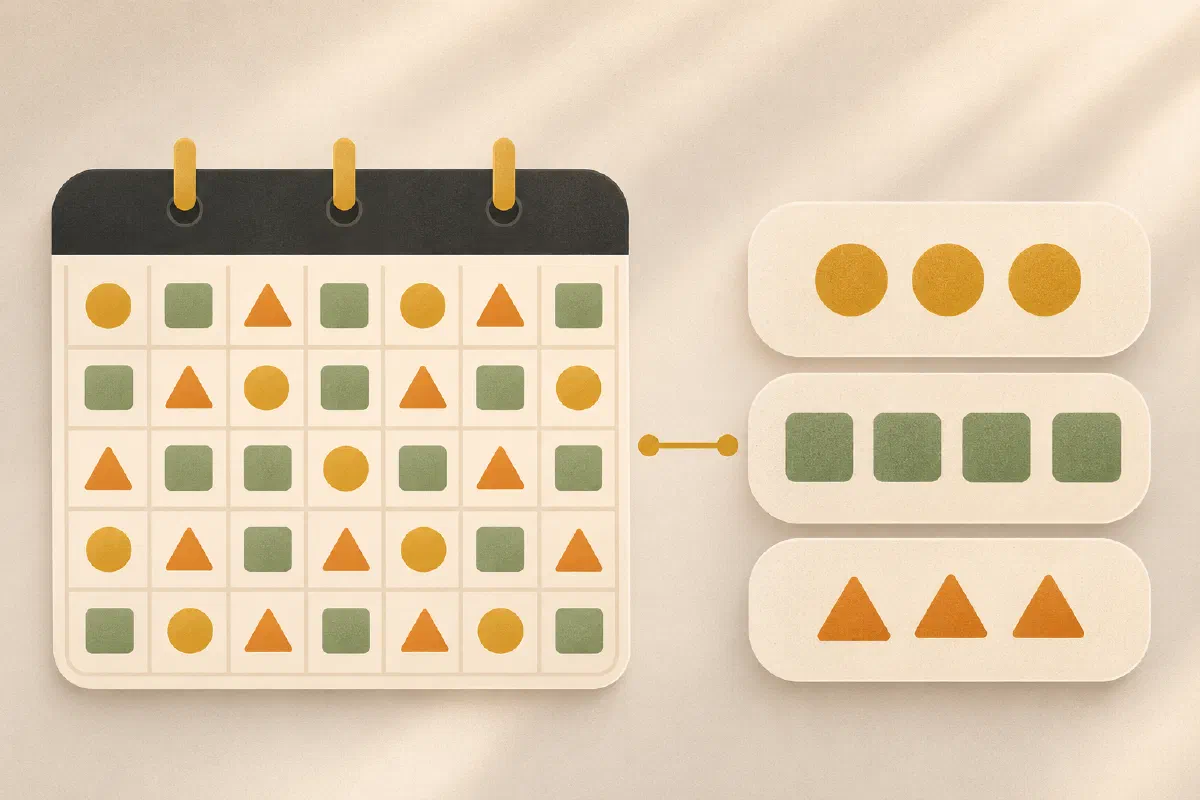
Notice the pattern: big work gets its own blocks, small work is grouped into batches, and each batch also gets a block. Without the block, the communication batch would happen “whenever”, which in practice means all the time. Without the batch, small tasks would leak into the report blocks.
When the unexpected happens, Maya moves things instead of abandoning the plan. If a manager needs urgent figures at 10:00, she finishes the paragraph she is on, uses part of the 15:00 buffer for the rest of the report block and keeps the afternoon batches as they are.
How to set up your first combined day
- List tomorrow’s tasks, then mark each one as big (needs 45+ minutes of thinking) or small (under 15 minutes, routine).
- Group the small tasks into two to four batches by type: communication, admin, errands, follow-ups. Give each batch a name you will recognise.
- Place the big tasks first. Put one or two focus blocks where your energy is usually best.
- Give each batch a block, ideally between focus blocks or at natural low points, such as after lunch.
- Add one buffer of 30 minutes or more. A plan with no slack breaks at the first surprise.
- Set a firm end for each batch. Whatever is left goes into the next batch of the same type, not into your focus block.
- Review in two minutes at the end of the day. Which block overran? Which batch was too big? Adjust tomorrow’s plan, not your opinion of yourself.
If you want a ready-made layout, our time blocking template has space for batches. People who plan in software can follow our Notion time blocking setup. If you are weighing blocks against timed focus intervals instead, see time blocking vs Pomodoro.
What the evidence does and does not say
No study we found compares time blocking and task batching head to head, so any claim that one “wins” is opinion. What the research supports is narrower:
- Planning and organising your time in general is linked to better outcomes: a meta-analysis found time management moderately related to job performance and well-being, and negatively related to distress. Most of the studies were cross-sectional, so they show a link, not proof that a specific method causes the gains.
- Task switching has a cost in controlled experiments, which supports grouping similar tasks.
- Limiting how often you check email lowered stress in one experiment, while another study found batching email helped productivity ratings but not stress.
So treat both methods as tools to test for a week or two, not as rules.
Summary
Time blocking decides when work happens; task batching decides which tasks you do together. Blocking protects time for big work and shows what fits in a day. Batching cuts down on switching between small, similar tasks. They work best combined: protect focus blocks for big work, collect small tasks into batches, and give every batch its own slot with a firm end.
Next step: pick one batch for tomorrow, such as communication, and give it two 30-minute slots. Run each slot with a timer so it ends on time. You can use our free focus timer in the browser, or Cyklio, the focus timer app we make at Mindly 360, which offers a 7-day free trial with no account or card needed and shows daily and weekly reports of your sessions.