


You look up from a task and an hour has gone, or you check the clock every five minutes and still feel unsure how much time is left. This guide shows four ways to manage work time without relying on reading a clock: visual timers, anchor events, rhythm-based planning and estimating by tasks.
Why time is hard to track by feel
Clock time is abstract. To use it, you have to notice the time, remember when you started and do some arithmetic, all while doing the actual work. Two well-studied effects make that harder than it sounds.
- We plan optimistically. The planning fallacy describes how people underestimate how long tasks will take, even when similar tasks ran long before. In the original studies by Buehler, Griffin and Ross, people’s predictions for their own tasks were too optimistic, partly because they focused on their plans rather than on how similar tasks had gone before.
- Busy minds lose the thread of time. A meta-analysis of 117 experiments found that when people know they will have to judge a duration and the work is mentally demanding, the time they judge tends to shrink relative to the real time. In plain words, demanding work tends to make time seem shorter while you are in it. (Looking back afterwards, the same review found the effect tends to reverse.)
The fix is not more willpower. It is moving time out of your head and into things you can see, count or hear.
If you have ADHD and losing track of time is a constant struggle, the background is covered in what time blindness is and how to manage it. This article stays with practical methods that work for anyone.
Method 1: Make the current task’s time visible
A visual timer shows the time left as a shape that shrinks, such as a coloured disc, a bar or a filling ring. You do not read numbers or work out “it’s 10:40, I started at 10:15”. You glance and see roughly how much is left.
There is little research on visual timers for adults at work, so treat this as a practical strategy to test rather than a proven treatment. What makes it useful is simple: it turns an abstract question (“how long have I been at this?”) into a visual one (“how much colour is left?”).
How to use one well:
- Time one task at a time. Set the timer for the task in front of you, not for “the morning”.
- Keep it in your line of sight. A timer hidden behind other windows works like a clock you never look at.
- Choose a countdown. Counting down shows what remains, which is what you need for planning. A stopwatch is better for measuring how long something really took. Use a stopwatch only when you want to measure.
- Add a gentle end signal. A soft sound or vibration means you do not have to watch the timer at all.
- Decide in advance what happens at zero. Stop, take a short break, or consciously start one more block. Deciding later tends to mean drifting on.
Physical timers, browser timers and phone apps all work. If you want to compare types, see what to look for in a visual timer, or try the free Cyklio Focus Timer in your browser.
Method 2: Plan around anchor events, not clock times
An anchor event is something that already happens in your day: arriving at your desk, the morning stand-up, lunch, the school run, the last call of the day. Instead of “start the report at 9:30”, you plan “after the stand-up, I open the report”.
This is close to what psychologists call an implementation intention, an if-then plan that links a specific situation to a specific action. A meta-analysis of 94 studies by Gollwitzer and Sheeran found a medium-to-large effect on reaching goals (d = 0.65), and the full review reports benefits both for getting started and for staying on track. Those studies did not test anchor-based workdays directly, but the principle carries over: a clear cue makes the next step easier to start than a time you have to remember to check.
Good anchors are reliable, noticeable and close to the work. Some examples:
| Anchor event | If-then plan | What it replaces |
|---|---|---|
| Sitting down with the first coffee | “When I sit down with coffee, I write my three tasks for today.” | “Plan the day at 8:45.” |
| End of the morning stand-up | “When the stand-up ends, I start one focus block on the hardest task.” | “Deep work 9:30 to 10:30.” |
| Lunch break ends | “When I’m back from lunch, I clear messages for one short block.” | “Email at 13:00.” |
| Last meeting of the day ends | “After the last meeting, I note tomorrow’s first task.” | “Wrap up at 17:00.” |
| A focus block ends | “When the timer ends, I stand up and refill my water.” | “Take a break at some point.” |
Anchors can drift. If the stand-up runs long, the plan still holds, because it is attached to the event, not to the time.
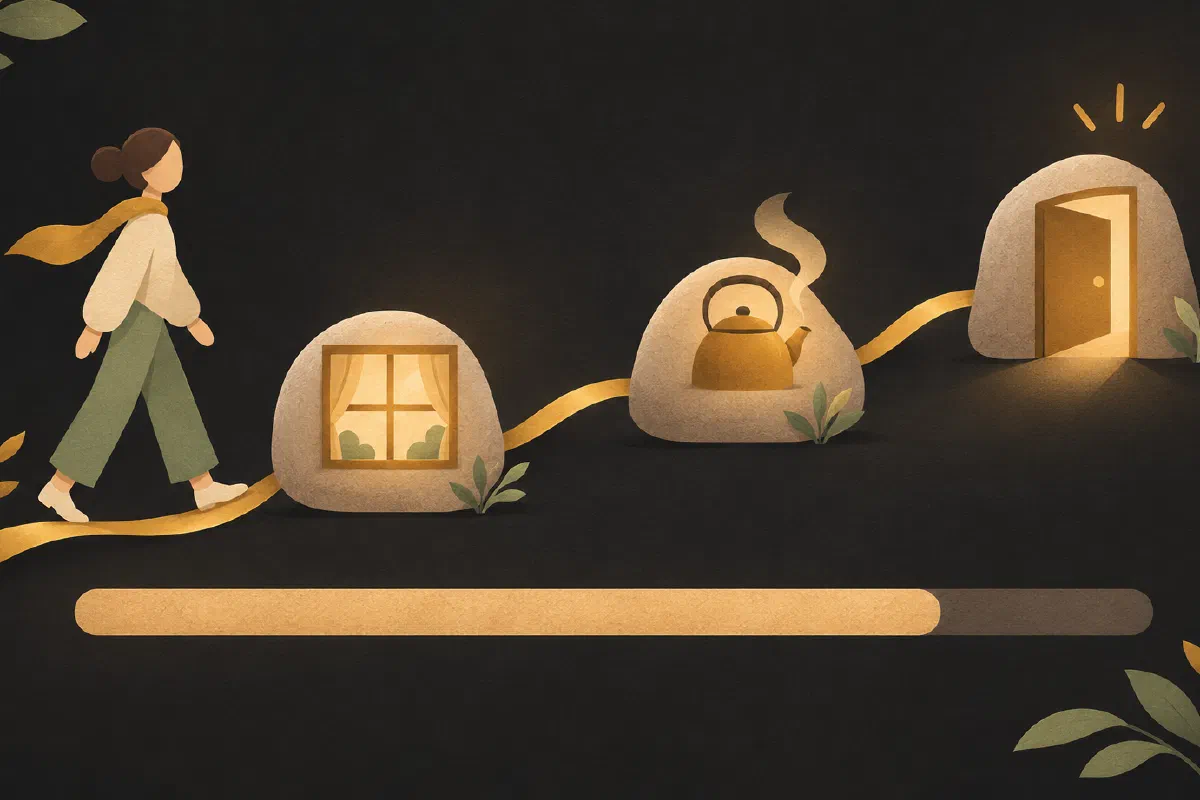
Method 3: Rhythm-based planning: count blocks, not hours
Rhythm-based planning means organising the day as a repeating pattern of work blocks and breaks, then counting blocks instead of tracking clock times. A block might be 25, 45 or 50 minutes of work, followed by a short break. You pick a length that fits your work and keep it steady for a while.
Why counting helps:
- “Three blocks left today” is easier to hold in mind than a list of start and end times.
- The timer handles the clock. You only need to know which block you are in.
- The rhythm creates its own anchors. The end of each block is a natural moment to check whether you are still on the right task.
A simple rhythm for a workday with meetings:
- Decide how many focus blocks you realistically have today. Be honest about meetings and admin.
- Assign each important task a number of blocks.
- Hook the first block to an anchor event (see Method 2).
- After each block, take a short break and mark the block as done on paper or in an app.
- When the blocks run out, stop planning more work for the day and move what is left to tomorrow.
If you prefer more structure, time blocking puts the blocks on a calendar. Rhythm-based planning is lighter: the order and count matter, the exact times do not.
Method 4: Estimate by tasks, not by the clock
“About an hour” is a guess. “Four steps, roughly one block each” is an estimate you can check. Buehler lists unpacking a task into smaller steps as one way to help people make more realistic predictions. The same summary recommends taking the “outside view”: looking at how long similar tasks actually took in the past instead of trusting the plan.
A five-minute estimate routine:
- Write the task as a visible result. “Client proposal: first full draft” estimates better than “work on proposal”.
- List the steps. Gather notes, outline, write sections, check figures, send for review.
- Give each step a number of blocks. Use whole blocks only and round up.
- Check the outside view. How many blocks did the last proposal take? Use that if it differs from your plan.
- Add one buffer block to anything with more than three steps.
- Log the real count afterwards. Next time, step 4 uses real data instead of memory. A simple time log template works for this.
Worked example: a morning with no clock in sight
Maya, an illustrative example, is a project coordinator who works from home three days a week. She loses track of time when writing and then rushes the rest of her day. Here is how she plans a Tuesday morning without watching the clock.
Anchor: she starts when she sits down with her first coffee. She writes her task list and her block count before opening email.
Plan (in blocks, not times):
| Task | Steps | Estimated blocks |
|---|---|---|
| Monthly status report | Collect updates, draft, add figures, proofread | 3 + 1 buffer |
| Reply to supplier questions | Read thread, check contract, reply | 1 |
| Prepare for afternoon call | Agenda, two open questions | 1 |
That is six blocks against the five she has before lunch, so she moves the call preparation to the anchor “right after lunch”.
During the morning: a 45-minute countdown runs in the corner of her screen. When it ends, she stands up, refills her water and ticks one block. After block three, the report is still missing figures, so she uses the buffer block. The supplier reply takes the last block before lunch.
Afterwards: her log shows the report took four blocks, not three. Next month she plans four from the start.
She never needed to know it was 10:47. She needed to know she was in block three of five.
Fill-in template: your no-clock day
Copy this into a note or onto paper:
- Start anchor: When I ______, I write today’s tasks.
- Block length today: ______ minutes (pick one and keep it).
- Blocks available today: ______ (after meetings and admin).
- Task 1: ______ → steps: ______ → blocks: ______
- Task 2: ______ → steps: ______ → blocks: ______
- Task 3: ______ → steps: ______ → blocks: ______
- Total planned: ______ (if it is more than available, move something now).
- Fixed times today (set an alarm for each): ______
- End anchor: When ______ happens, I write tomorrow’s first task.
- Real blocks used (fill in tonight): ______
When you still need the clock
Some things are fixed: meetings, train times, school pick-ups, deadlines. For these, the clock still matters, but you do not have to watch it.
- Set an alarm for the moment you need to stop, not the moment the event starts. Give yourself time to wrap up and get there.
- Put every fixed time in one calendar with alerts, so you are not holding them in memory.
- Treat fixed times as anchors. “Twenty minutes before the client call, I stop and prepare” turns the clock into a cue.
This article stays with personal methods. For time pressure inside a team, see time management at work. If what you are really fighting is avoidance rather than lost track of time, procrastination and time management explains how the two connect. And if you are wondering whether managing time is the same as getting more done, time management vs productivity covers the difference.
Summary
- Guessing time by feel is unreliable for most people: we plan optimistically and lose track during demanding work.
- A visual countdown shows the time left for the current task at a glance.
- Anchor events tie tasks to things that already happen, which works like an if-then plan.
- Rhythm-based planning counts blocks instead of clock times.
- Estimating by steps, plus a short log of real block counts, makes each plan more accurate than the last.
Next step: tomorrow, pick one anchor event and one block length. Run your first block with a visible countdown, for example in Cyklio (our own focus timer app, with sessions from 10 to 60 minutes and a 7-day free trial without an account or card), and write down how many blocks your main task actually took.